
01 / Drawing detail
Geometry and access
Show pockets, slots, holes, threads and shaped surfaces in the product definition. Identify inaccessible features, critical edges and any restrictions on how the component may be held.
Capabilities / U.S. Core Pins Inc.
Precision CNC machining from 3D CAD data and customer drawings. Source custom tooling and precision components from U.S. Core Pins, with grinding and related manufacturing services available for your project requirements.
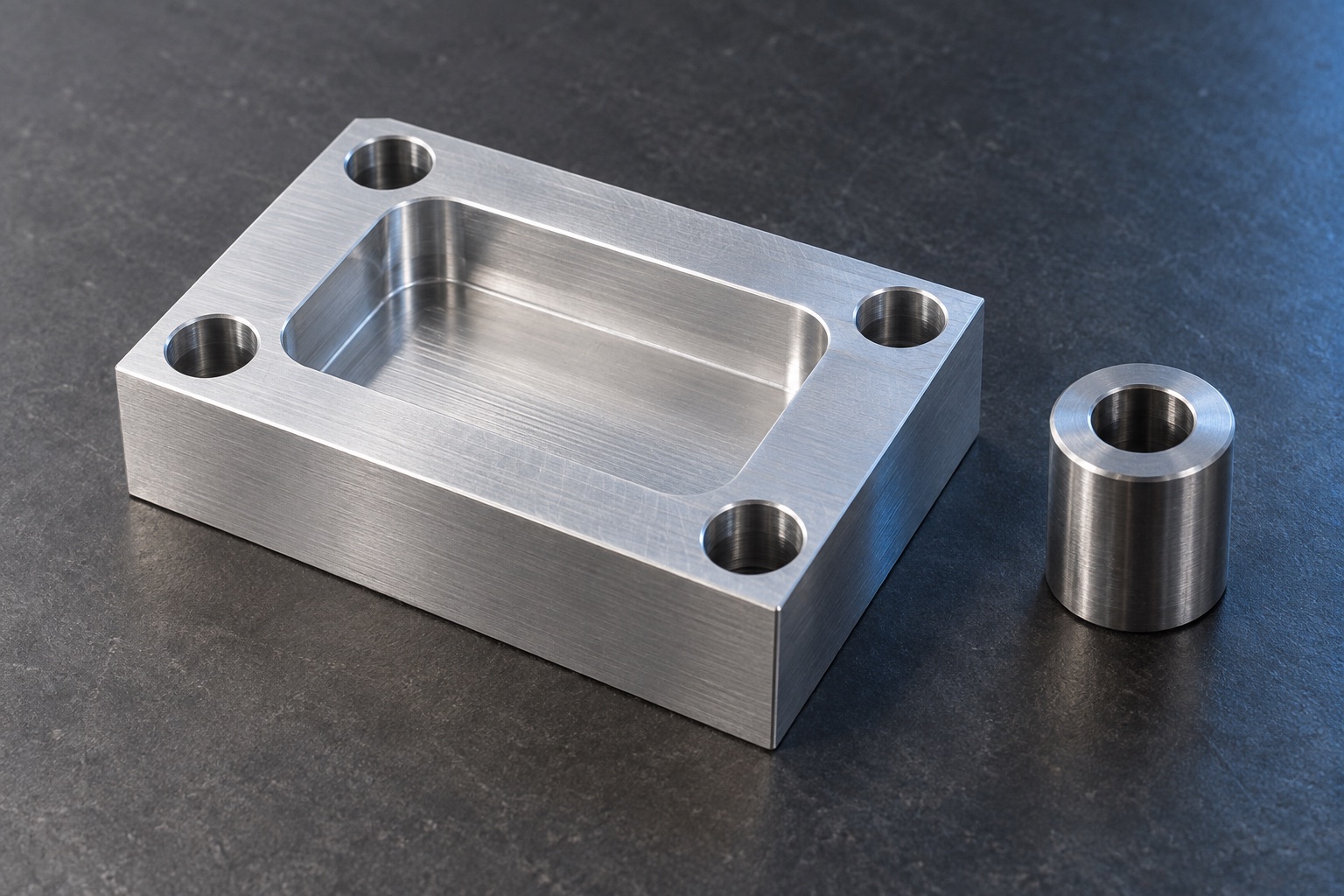
Your component / Your application
CNC machining uses programmed tool motion to remove material and produce component features. The manufacturing plan depends on geometry, material, access and the requirements assigned to the finished surfaces.
For new tooling, replacement components or production requirements, send the current drawing and identify the work you need. Include required secondary operations so the quote addresses the manufacturing scope, along with quantity and delivery needs.
01 / Drawing detail
Show pockets, slots, holes, threads and shaped surfaces in the product definition. Identify inaccessible features, critical edges and any restrictions on how the component may be held.
02 / Drawing detail
Specify units, material and the dimensions or geometric controls that matter to assembly and function. Identify finish requirements and any surfaces that require a later operation.
03 / Drawing detail
State prototype or production needs, quantity and requested delivery date. Include any required material records, inspection reports or traceability documentation for review with the quote.
Ready for pricing
Send your drawing, quantity and desired delivery date. Add the requirements you have available. If something is undecided, our sales team can discuss it with you.
Your quote confirms the manufacturing scope, pricing and delivery timing.
Common questions
The current RFQ accepts PDF, document, spreadsheet and supported image formats, up to 10 files. Native CAD files use a direct-sales handoff. Send a PDF drawing through the form or contact sales to arrange CAD delivery.
Not necessarily. Include the controlling dimensions, tolerances, material, surface requirements and notes in the drawing or annotated product definition. Clearly identify which file governs if information differs.
Your next component
Upload your PDF drawing, quantity and desired delivery date. Have questions first, or need to send native CAD files? Contact sales directly.